Setting Up My Website with 11ty, Decap CMS, and a Raspberry Pi
My first post!! Welcome to my site. I decided to prioritize a mix of tools that are lightweight, reliable, and easy to work with. I landed on using 11ty for generating the site, Decap CMS for managing content, and a Raspberry Pi to host everything with style. Here’s how it all fits together.
11ty: Turning Content into a Website
At the core of the site is 11ty (or Eleventy), a static site generator. I write all my content in Markdown, and 11ty takes care of turning it into static HTML files. This keeps things simple—there’s no database or server-side processing, just static files that load quickly and work everywhere. This also ensures fast load times, which is great for user experience and essential for ensuring your site indexes well.
Decap CMS: Managing Content Through Git
To make it easier to manage content, I added a headless CMS called Decap. I can login using my github account by navigating to https://applehand.dev/admin. Decap gives me a nice web interface for editing and adding new posts, which is handy because I don’t want to deal with raw files. Decap CMS hooks into my GitHub repository, so every time I make a change, it commits the updates directly to the repo. Essentially, Git becomes the database for my content.
Hosting on a Raspberry Pi
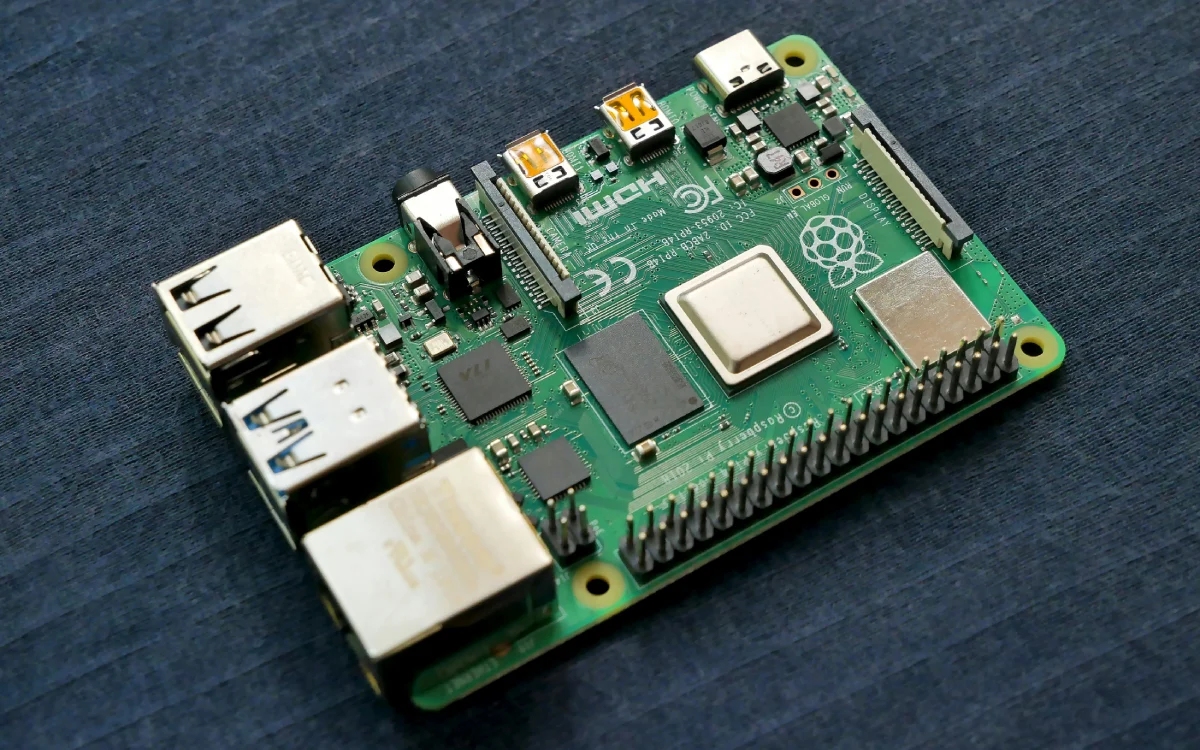
The site runs on a Raspberry Pi 5 in my office. It's a tiny, energy-efficient computer that is perfect for hosting my personal dev projects. The Pi handles everything: pulling updates from GitHub, running the 11ty build process, and serving the site. I use a Cloudflare tunnel to make the site accessible on the web without opening up my home network. It’s secure and saves me from dealing with port forwarding and complicated router configurations. Using
Git as the "Database"
Instead of using a traditional database, I rely on Git. All my content lives in my github repository. When I update something in Decap CMS, it commits those changes to the repo, and the Pi pulls them down automatically using a webhook server. This server is always listening for a post request from Github that is sent whenever the repo is updated. This means the site is always up-to-date and version controlled for simple site restores.
How It All Works Together
Here’s a quick rundown of the workflow:
- Content Updates: I use Decap CMS to edit or add content, which commits changes to GitHub.
- Version Control: GitHub keeps track of all the changes and acts as the central hub for content and configuration.
- Site Deployment: The Raspberry Pi pulls updates from the Github repo, rebuilds the site with 11ty, and serves the new version.
- Public Access: A Cloudflare tunnel routes traffic securely from the internet to the Raspberry Pi, making the site live.
This setup is flexible, cost-effective, and gives me full control over how the site works. And self-hosting is just cool.